Unlisted buyer handoff
Download the current TakeStack direct beta.
Use this page only if you bought a founder license, team pack, concierge sprint, or were sent a seed license. The app is a direct-download Mac beta while the purchase flow is still manual.
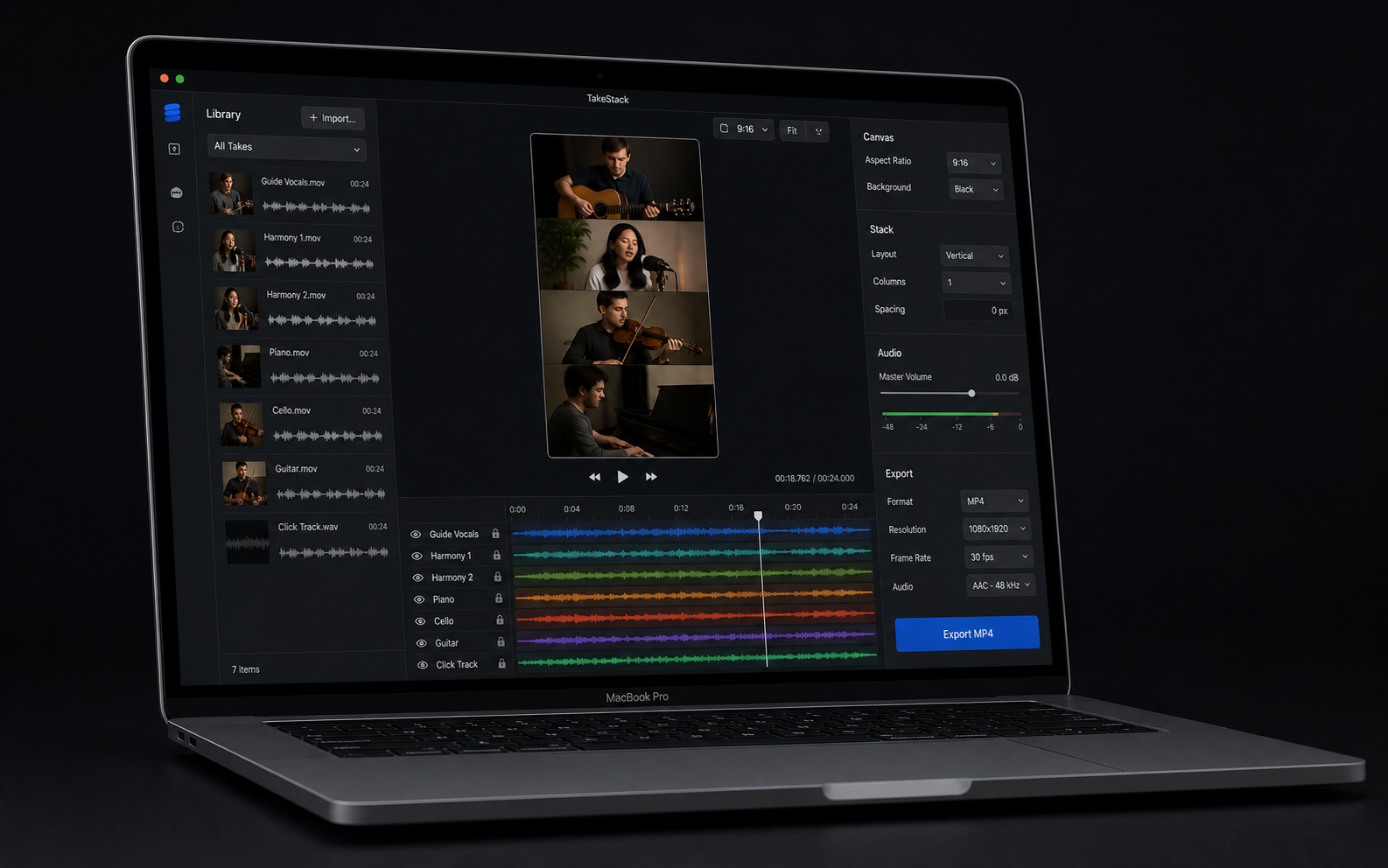
Direct-download beta. Slate-assisted automatic lineup for TakeStack-recorded takes, plus manual fine-tuning by cue.
Before opening.
This download page removes the wait for manual attachment delivery, but it does not replace paid-order proof. Keep the Stripe receipt email or seed approval message.
-
Confirm you expected the app
Only open this direct beta if you bought TakeStack or received a private seed-license reply.
-
Download the zip
The file is
TakeStack-macOS-0.1.1.zip. Its SHA-256 checksum isb3689a3a88a645940df2adcb8de889364fe265b31c8f5998b4cd95157ef294b6. -
Open the notarized app
This build is signed with TakeStack's Developer ID and notarized by Apple. macOS should identify it as software from an identified developer.
-
Open the demo project
Choose Project > Open Demo Project, then use the guided First Export strip to press Play, line up takes, choose a stack style, export MP4, copy a share caption, or send an export report.
-
Reply if blocked
First 10 paid buyers can reply before 6pm Ireland time for a same-day founder export check by email. This is not done-for-you editing, live setup, or generic waveform matching.
Keep the purchase proof outside this page.
The live launch still needs one real purchase or first-buyer fulfillment proof with the Stripe receipt email, PaymentIntent ID, delivery confirmation, app-open confirmation, and demo-export confirmation.
- Founder buyers: start with Project > Open Demo Project and export once.
- Team-pack buyers: reply with group size, Macs available, first-video deadline, and editor owner.
- Concierge buyers: reply with project type, deadline, source-take status, and private support channel.
- Support: email hello@cheerfulduck.com.
- Refund path: 14-day founder refund if the beta cannot get the buyer to a real music-video export.
- Privacy: TakeStack works with local files and does not upload buyer videos in the MVP.